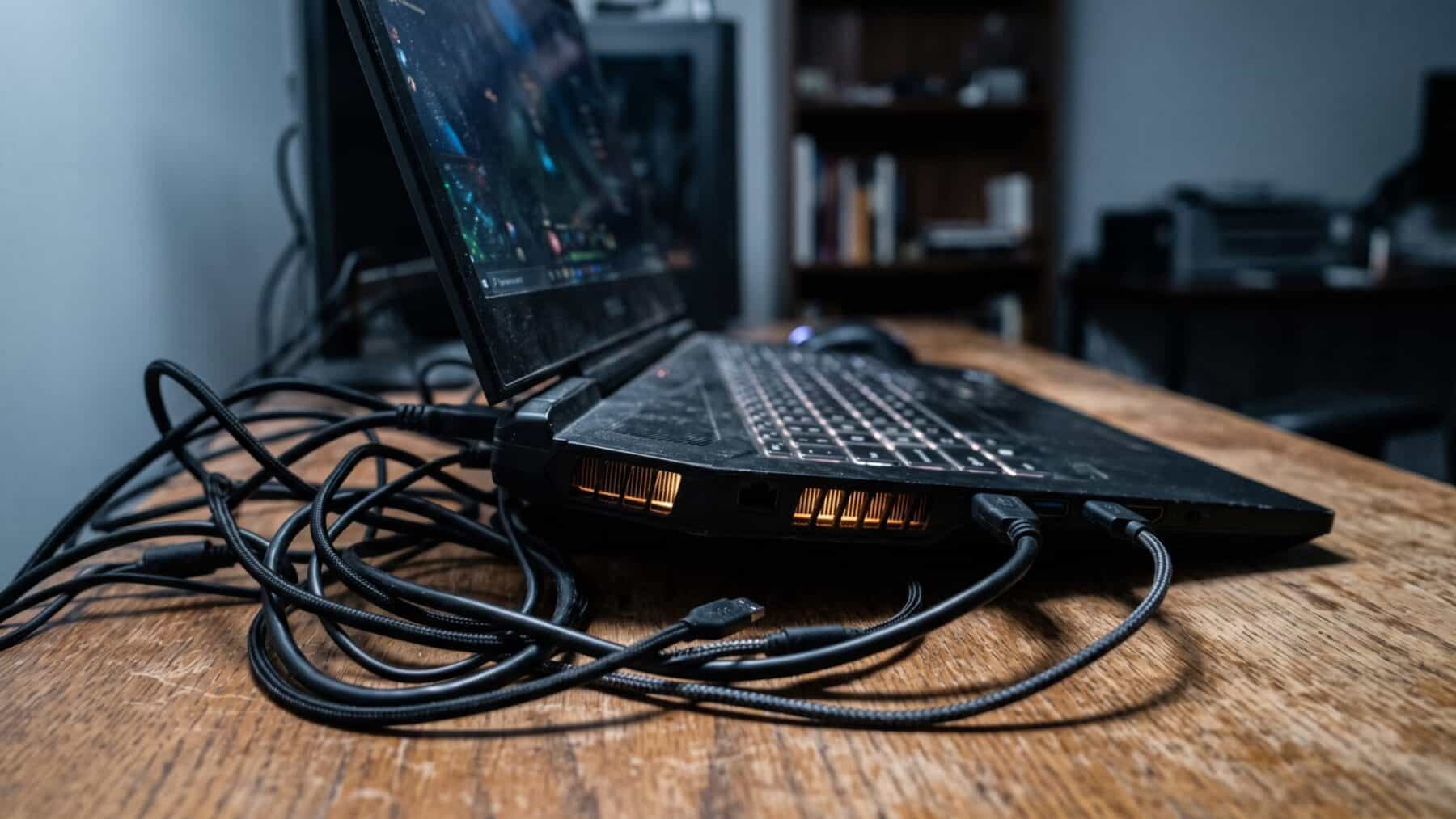
Picture the spec sheet: “RTX 5090 Laptop GPU.” Same four characters. Same bold typeface.
A shopper picks up a $3,500 machine and reads that name beside a $2,000 desktop card and assumes the gap is mostly the chassis. That assumption is wrong. The silicon inside the two products is not the same piece of hardware.
And the performance distance between them is not a rounding error.
Why two chips with one name are built from completely different pieces of silicon
Every graphics processor is built around a die, a physical slice of semiconductor wafer etched with billions of transistors. The desktop flagship uses the largest die a chip designer makes for consumer hardware, a massive slab with room for the maximum number of processing cores, a wide memory bus and the headroom to pull hundreds of watts from a wall socket.
The laptop chip uses the GB203 die and carries 10,496 CUDA cores, the full complement the die supports. That makes it far closer to the desktop RTX 5080 than to the desktop RTX 5090, which carries 21,760 cores and higher clock rates. That is not a trimmed-down version of the same engine. It is a different engine wearing the same badge.
The laptop chip tops out at 175 watts with Dynamic Boost, 150 watts plus 25 watts of Dynamic Boost. The mobile chips only go up to 175W of TGP with Dynamic Boost, half to one-third of what the desktop chips draw from the wall. Physics sets the ceiling: a thin aluminum chassis can only shed so many watts of heat before the chip has to slow itself down to survive. The desktop card sits in an open tower with three fans and heat pipes the diameter of a pencil.
What that core gap looks like when a real game is actually running
Benchmark labs do not care about marketing names. Independent reviewer testing found the laptop chip delivering roughly 50 percent less performance than the desktop version. That gap is large enough to push a title from a smooth high-frame-rate experience into one that needs software frame generation just to feel playable.
A buyer spending $3,500 or more on a portable machine with the top-of-the-line name on its underside is paying for a chip that, in the hardest workloads, performs roughly on par with a desktop card from the prior generation’s upper midrange tier.
The power budget is the wall the laptop always hits. Whereas desktop GPUs have been growing more power-hungry over time, laptop GPUs have remained steady at around 150 watts maximum. When a chassis cannot vent heat as fast as the chip produces it, the driver cuts clock speeds automatically and silently, and frame rates fall with them.
How the naming convention was established and what the actual spec sheets bury
This generation of mobile chips uses the GB203 die for both the RTX 5090 and RTX 5080 laptop GPUs, with none of the larger GB202 die that powers the desktop RTX 5090. That distinction appears in a fine-print footnote, if it appears at all.
Identical GPU names can hide a 20 to 30 percent real performance gap depending on the manufacturer’s power configuration. A shopper comparing two laptops that both carry the same top-tier name may be comparing machines whose actual sustained output differs by nearly a third, because each manufacturer sets its own wattage ceiling within the range the chip allows.
This is the same quiet fine-print problem that catches buyers of AI tools whose specs diverge from what actually runs on the hardware. The wattage line, buried three rows below the chip name, is the only place the gap becomes visible before purchase.
Where the naming gap hits hardest and where the laptop chip still earns its keep
Sustained multi-hour rendering and high-resolution ray-tracing are where the core count difference bites deepest. A 3D artist or video editor who picks the laptop version expecting desktop-grade throughput will find render queues taking significantly longer.
The laptop chip is not a bad product. The card runs 15 to 30 percent faster than its predecessor in everyday gaming before DLSS features are applied, and the fastest laptop configuration tested trailed the desktop RTX 5080 by only five percent. For titles at 1440p, that is genuinely capable hardware, just not the desktop monster the name conjures.
The Blackwell architecture’s headline feature, DLSS 4 with Multi-Frame Generation, is supported thanks to the 5th generation of Tensor cores. It can push supported titles to dramatically higher frame rates than the chip’s core count alone would suggest. The label says “5090”; the thing delivering playable 4K is an AI frame multiplier running on top of a physically smaller piece of silicon.
What a buyer should check before the purchase receipt is printed
The wattage number matters more than the model name printed on the chassis lid. A chassis capable of dissipating 175 watts will consistently outperform a thinner rival capped at 90 watts, even with identical silicon.
The TGP, or total graphics power, reaches a maximum of 175 watts, 150 watts plus 25 watts of Dynamic Boost, and is listed in the full specification table on a retailer’s product page, usually several scrolls below the headline chip name. Aim for 150 watts or higher on any laptop claiming top-tier graphics performance. Below that ceiling, even strong silicon cannot sustain its boost clock long enough to matter in a 30-minute gaming session.
Until a distinct suffix appears on the box, the most useful line on any gaming laptop spec sheet is not the chip name. It is the wattage number sitting three rows below it, in a font half the size.
