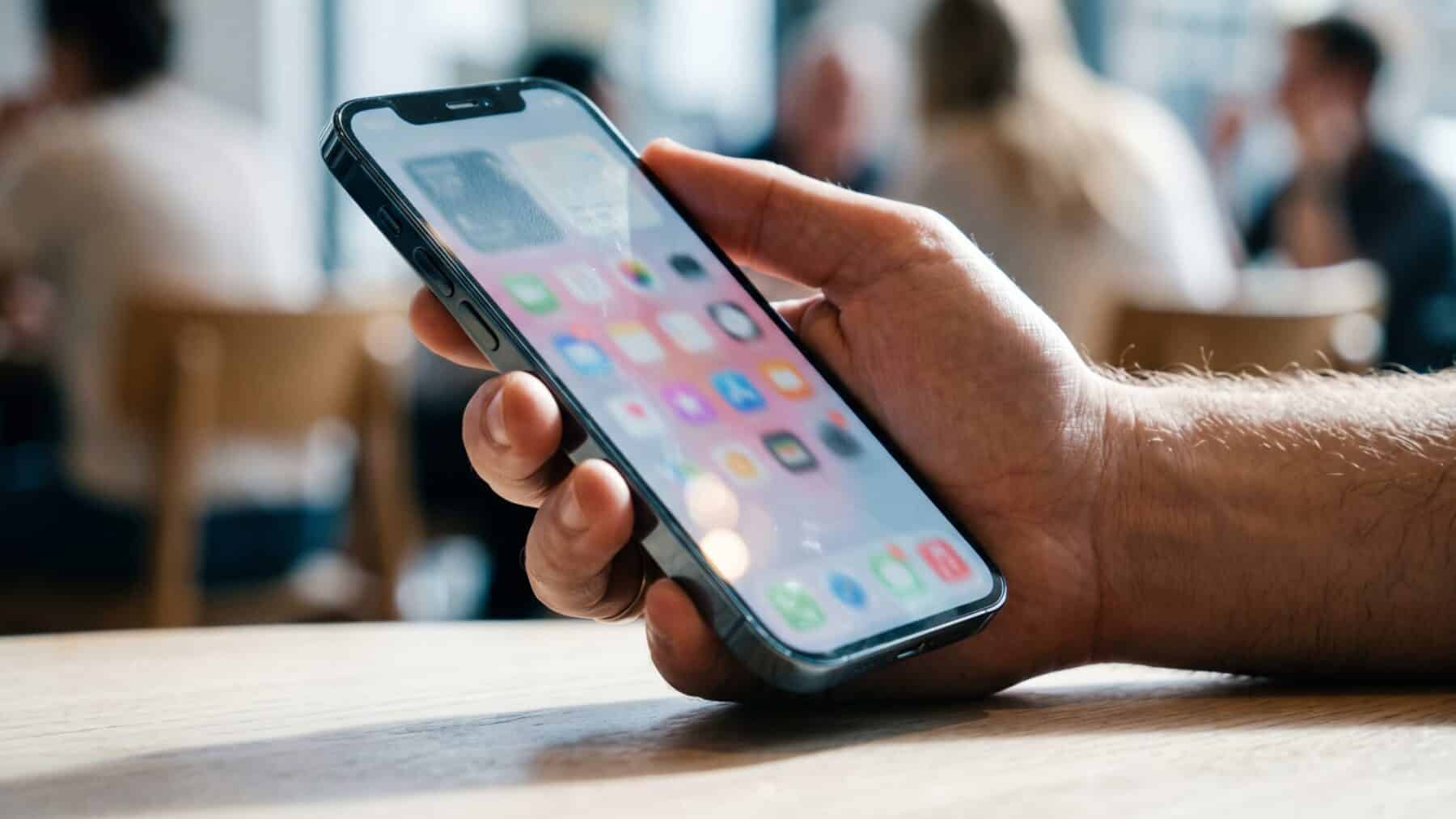
Pick up a phone running the newest iPhone software and tilt it slightly.
Watch a button’s edge catch the light, as if a sliver of real glass just moved under a lamp.
Tilt back, and the glint follows.
That is not a pre-baked animation or a looping graphic. It is a graphics chip doing physics math at high speed, and the mechanism behind it is more involved than most people realize.
So how, exactly, does a phone screen fake the behavior of curved glass?
The gyroscope, the GPU and the light-bending trick that runs with every frame
The core distinction between this new system and every frosted-glass effect that came before it is the difference between scattering light and bending it. Older translucent interfaces scattered light, creating a soft diffuse blur behind a panel. Liquid Glass bends and concentrates light in real time, the way curved glass physically does, and that single engineering choice is why the new controls feel solid rather than foggy.
Content behind each glass element subtly distorts, creating a physical lens effect that shifts as the user scrolls or the panel moves. Apple describes the material as one that reflects and refracts its surroundings while dynamically transforming to bring greater focus to content. Every frame demands a fresh calculation.
Interface elements blur and refract content in real time, then react to device movement through gyroscope and accelerometer data. Specular highlights respond to device motion, so the small bright glints that drift along a button’s curved rim move with the hand.
The full effect draws on several interlocking components: GPU shaders, lens distortion applied through mathematical curves, a blur layer beneath the glass surface, and the real-time specular response tied to the motion sensors. None of those layers would produce the result alone.
What the new design actually does to every app on the phone
The new design language spans iOS 26, iPadOS 26, macOS Tahoe, watchOS 26, tvOS 26, and visionOS 26 simultaneously. Controls and navigation are crafted from Liquid Glass and fluidly transform to bring more focus to content, with tab bars and sidebars rebuilt on the same material. A user switching between iPhone and Mac now sees the same material behaving consistently on both screens.
When users scroll, tab bars shrink to bring focus to the content while keeping navigation instantly accessible. The moment they scroll back up, tab bars fluidly expand. The bar does not simply fade; it physically compresses and re-opens, and the glass lens effect runs through the whole transition.
Starting April 28, 2026, apps uploaded to App Store Connect must be built with Xcode 26 or later using the iOS 26 SDK. In Xcode 27, the opt-out compatibility flag is going away, so recompiling an app against the new SDK applies Liquid Glass to standard components automatically. Developers building anything from a code repository tool to a streaming service are rebuilding their navigation layers around the new material. For Liquid Glass specifically, the grace period ends with iOS 27, expected in September 2026. That approaching deadline is the clearest signal yet of how seriously the shift is being enforced.
How the performance engineering keeps a battery alive through all of it
Performance optimization has been a major focus, with the company introducing GPU-accelerated rendering pipelines specifically designed for glass effects. The engineering goal, according to developer documentation, is to maintain smooth refresh rates even on older devices, avoiding the performance issues that plagued early blur implementations.
The system is designed to manage battery load through multiple modes: adaptive rendering that adjusts animation complexity based on battery level, frame throttling that limits background visual activity when the screen is inactive, and efficient GPU use that leverages the company’s low-level graphics framework for low-power rendering cycles.
A phone running on low charge is running a lighter version of the same physics, not a completely different interface.
Where the system runs into real limits, and who it leaves out
Every UI element now belongs to one of several visual layers, background, glass, solid, or dynamic, rather than sitting on a single flat plane. That makes designing for the new software fundamentally different from earlier versions, where developers could assume a static opaque canvas. Entire codebases built for flat layouts need structural rework, not just a color-scheme update.
When a user turns on the Reduce Motion accessibility setting, the parallax effects, specular highlight shifts and morphing animations are toned down or eliminated. A separate setting also gives users the option to choose between the default clear look or a tinted opacity mode that turns the real-time lensing down to its lowest visible intensity.
Even so, the visual workload on older hardware is not trivial. The implementation runs Metal shaders against the actual composited frame buffer, and a phone without the processing margin to sustain that load will degrade gracefully, but it will degrade. Developers targeting a wide range of budget and mid-range devices are already factoring the rendering cost into their design decisions.
What a unified cross-platform design language spanning all six Apple platforms opens up next
The update delivers the first major design change the platform has seen since Apple rolled out iOS 7 back in 2013. The company describes Liquid Glass as the foundation for the next decade of iOS design, a framing that signals to developers the investment in rebuilding apps is a long-term structural foundation, not a one-cycle cost.
Dynamic adaptation works at the system level, meaning a user’s wallpaper, their motion and their ambient environment all influence how glass surfaces render in real time. That opens the door to contextual interfaces that genuinely respond to where someone is, not just what they tap.
New debugging tools help developers visualize layering and depth relationships without constantly rebuilding their applications. The most interesting chapter of Liquid Glass is not the first release but the third-party apps that will use its depth layers in ways the original designers have not yet imagined.
